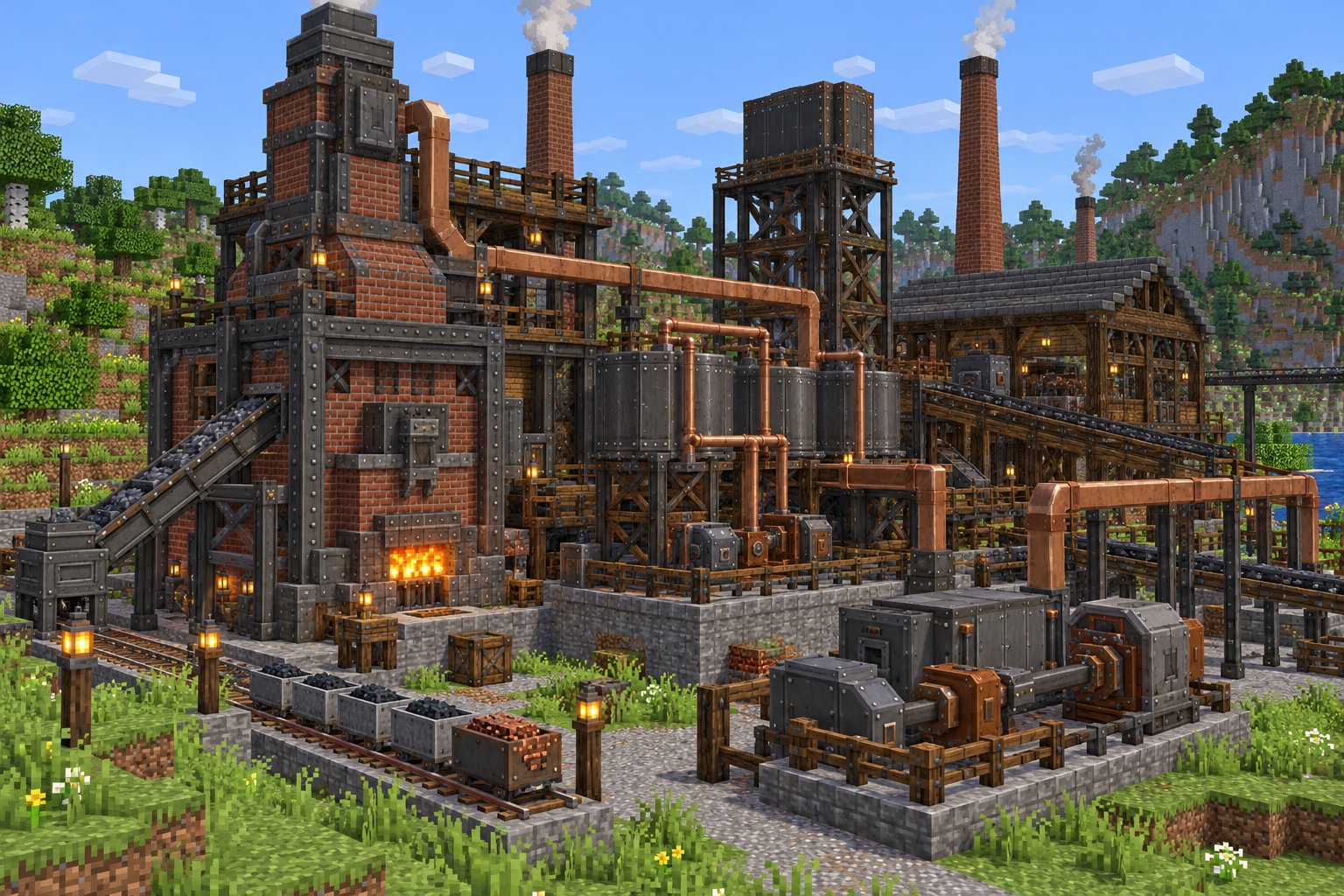
Minecraft 1.20.1 remains a common choice for modded Java Edition. Immersive Engineering has published Forge releases for this game version, but you should not confuse them with the 1.21.1 NeoForge release linked on the homepage.
Identify the Forge build
On the project’s file list, locate a release specifically marked Minecraft 1.20.1 with Forge as its mod loader. The release listing includes ImmersiveEngineering-1.20.1-10.2.0-183, but always verify current availability on the file page.
Create the correct game profile
Use a Minecraft Java Edition 1.20.1 profile with the compatible Forge loader installed. An existing 1.21.1 NeoForge instance is not an appropriate destination for this file.
Add the mod and any requirements
Download the correct JAR, check the release listing for dependencies and place all required mod files into the profile’s mods directory. Then launch Minecraft with Forge to confirm the mod appears in the installed mods list.
Avoid version confusion
The main homepage download is for 1.21.1 NeoForge, not Forge 1.20.1. If your game runs 1.20.1, use the full file list to select the matching Forge build.
For release-specific details, consult the published Immersive Engineering files before installing or updating your game.