01
Power Generation
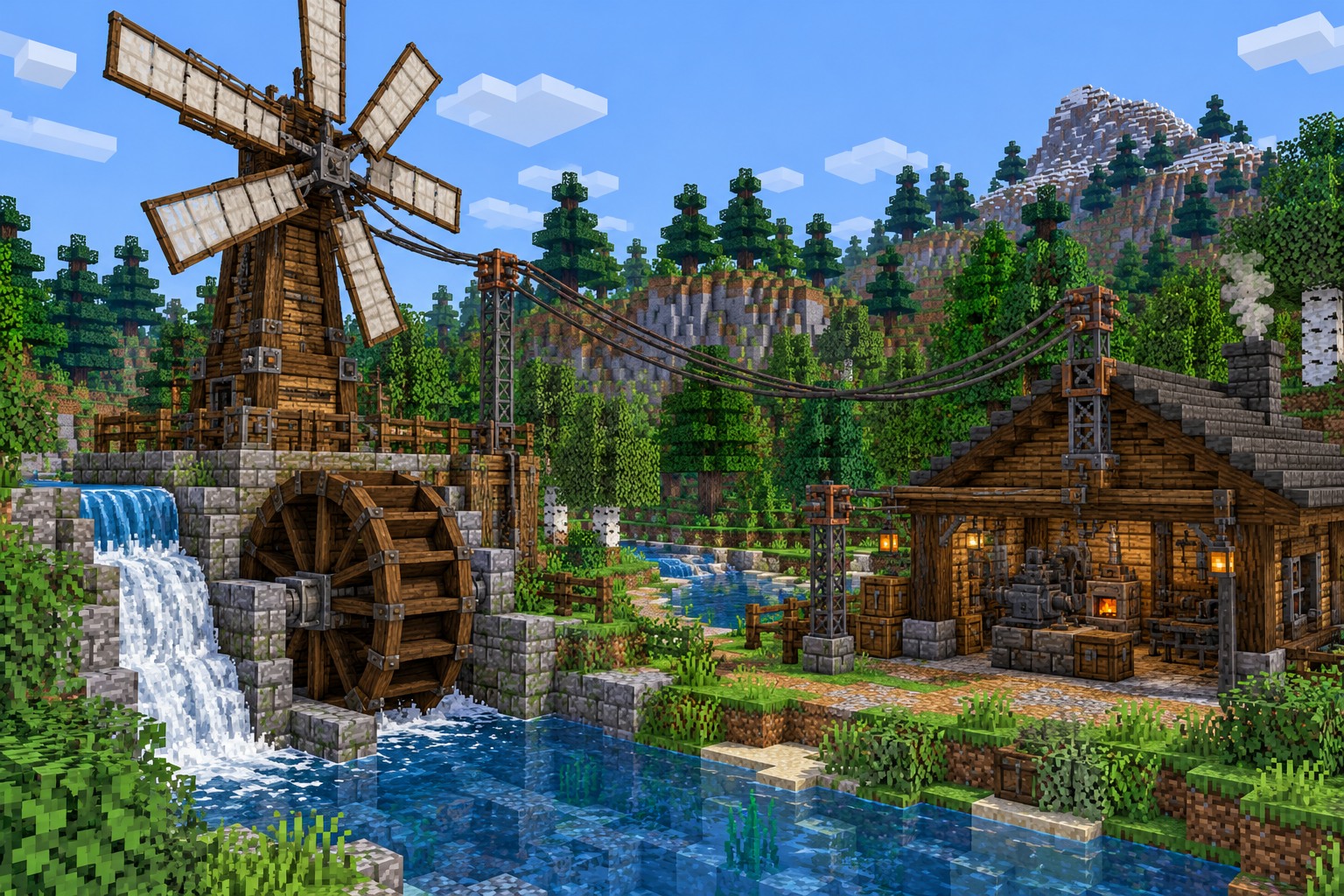
Use windmills, water wheels and other generators to create the energy that your factory needs. Start small and expand as your machines demand more power.
Immersive Engineering Mod transforms Minecraft gameplay with industrial technology, energy generation, automated machinery, and large-scale engineering systems.
Immersive Engineering Mod adds industrial technology to Minecraft Java Edition. Build large machines, generate electricity and connect your workshop with visible power networks.
Assemble multiblock structures, process ores and move resources with conveyors. Expand from a small workshop into an automated factory with connected machinery.
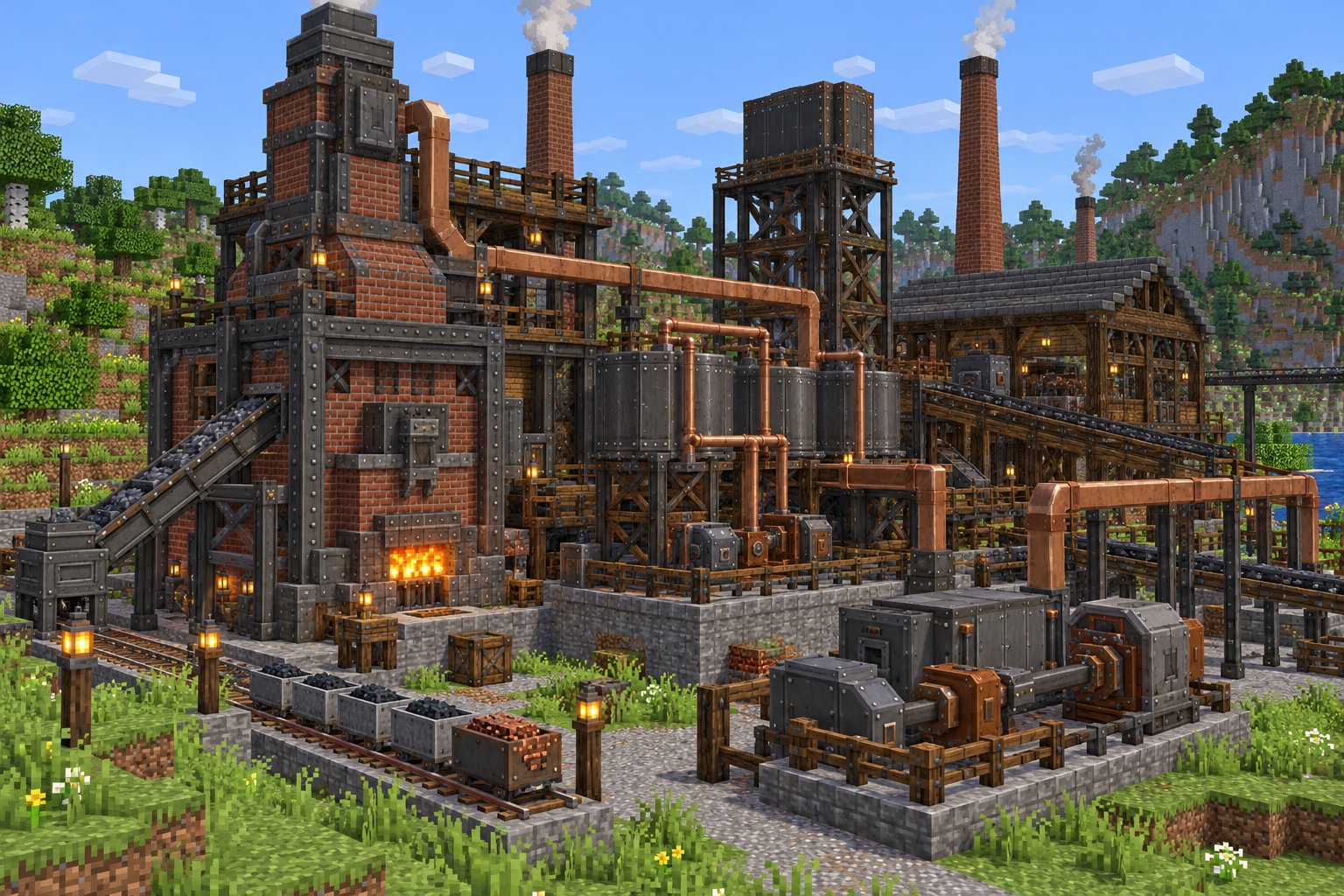
Build the pieces of an industrial power system and connect them into one functioning factory. Each stage has a practical role, from making electricity to processing materials.
Use windmills, water wheels and other generators to create the energy that your factory needs. Start small and expand as your machines demand more power.
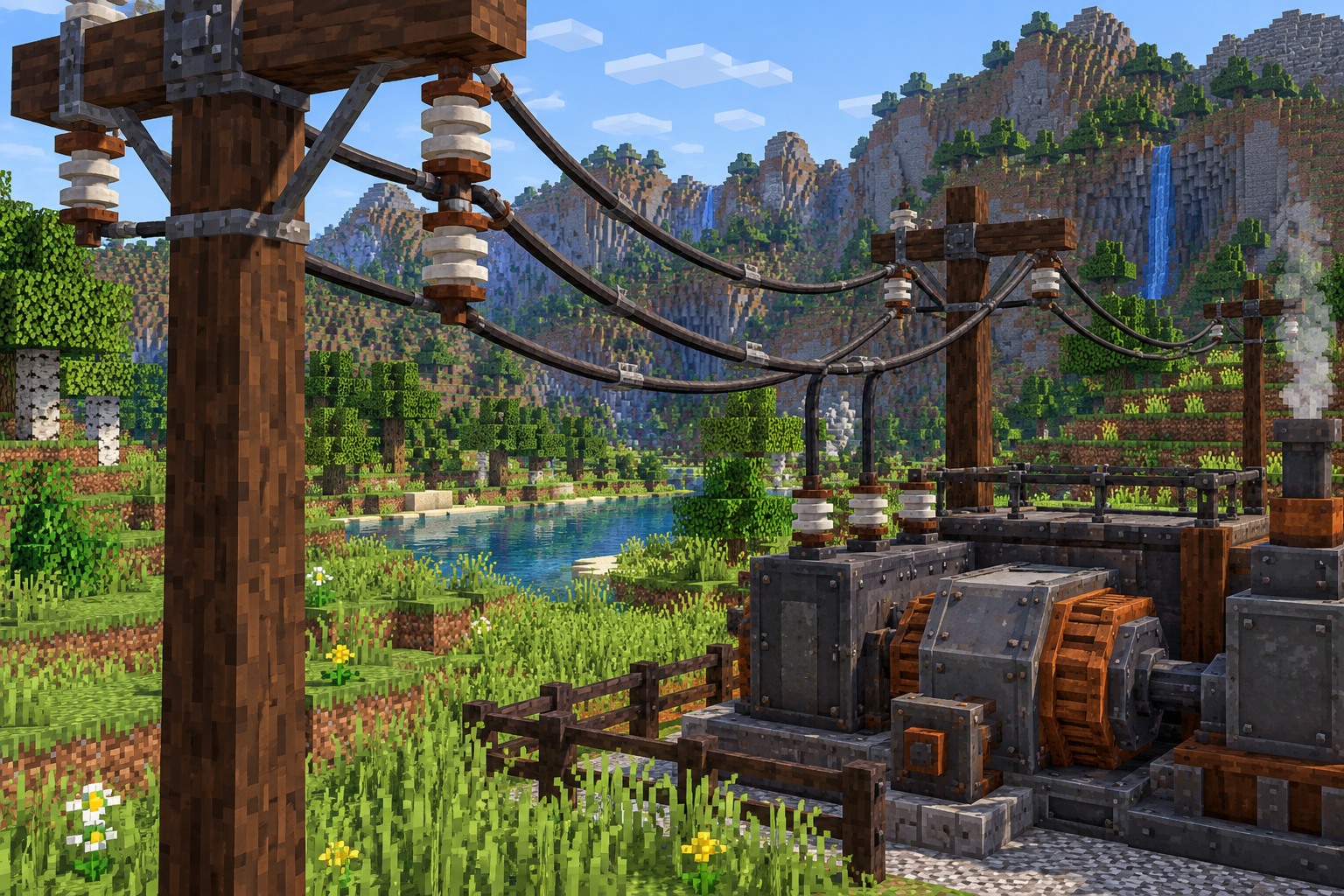
Run electricity between generators and machines with appropriate connectors, relays and wires. Your power layout becomes a visible part of the build.
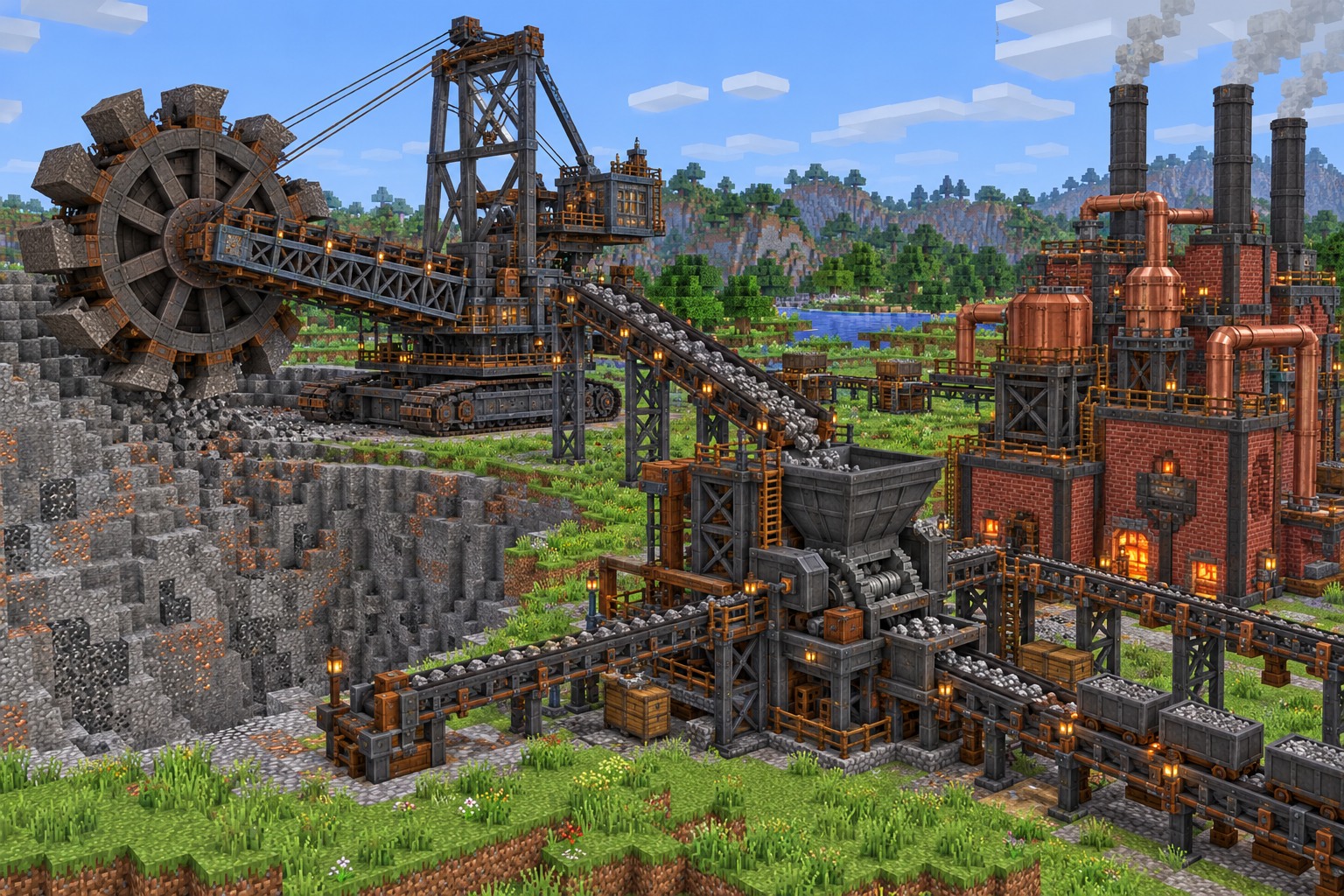
Arrange particular blocks into a required structure, then complete the assembly with the correct tool. The finished multiblock performs a dedicated industrial task.
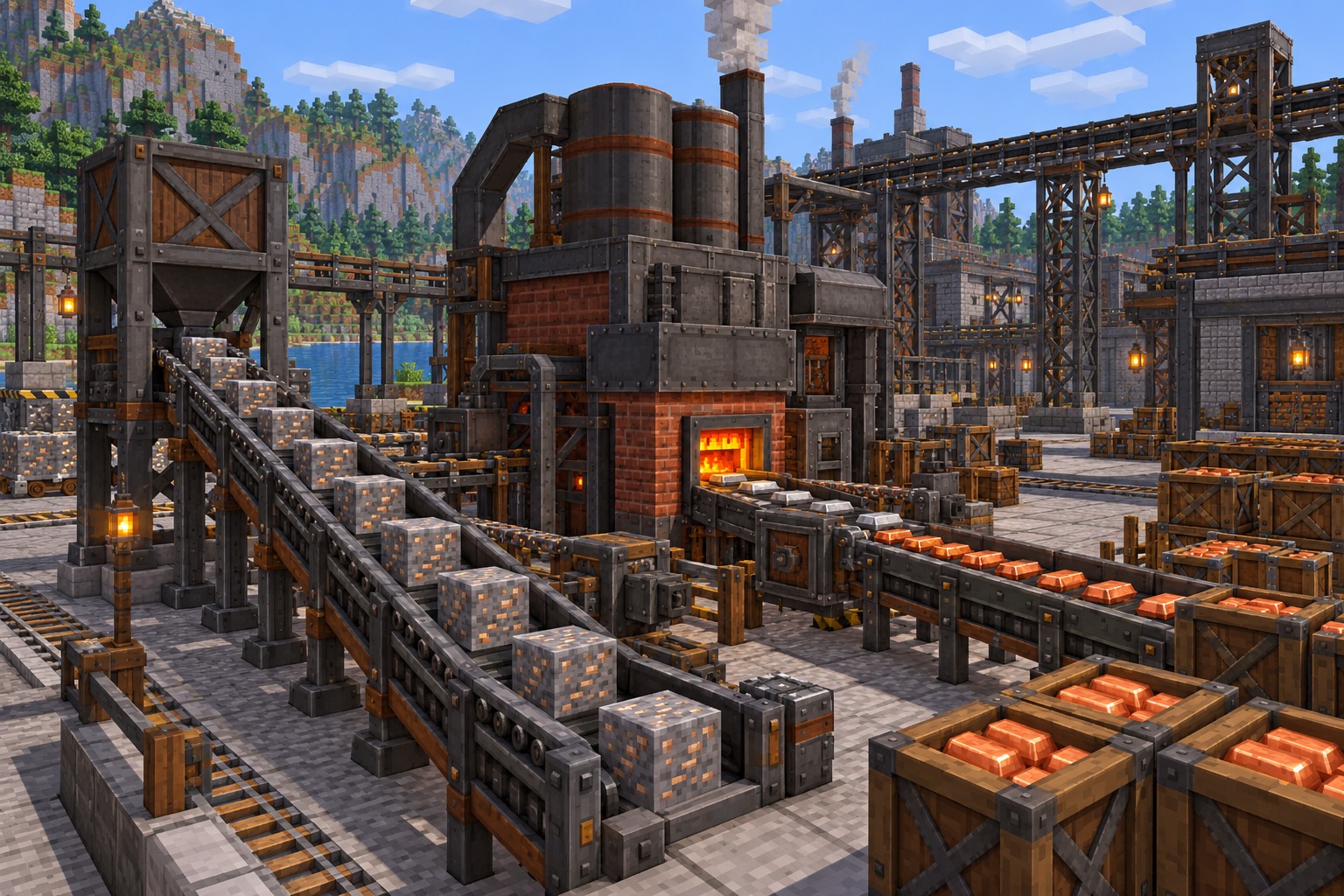
Feed resources into processing machines and move their output through conveyors or other transport systems. Connect more stages to create a productive factory line.
From the first hand-built generator to a sprawling factory floor, the mod makes every engineering choice visible.
Operate impressive processing equipment built for specific jobs, turning raw materials into the resources needed for bigger projects.
Assemble large working machines from several blocks rather than relying on a single compact factory cube.
Experiment with wind, water and fuel-based options as you develop an electrical supply for your workshop.
Build clearly visible electrical routes with different wires, connection points and power-transfer components.
Use specialized tools, including the Engineer's Hammer and manual, to assemble and understand your machinery.
Combine steel, wood, copper tones and industrial shapes into factories that look both vintage and futuristic.
These are some of the machines and power sources that make industrial building so rewarding.
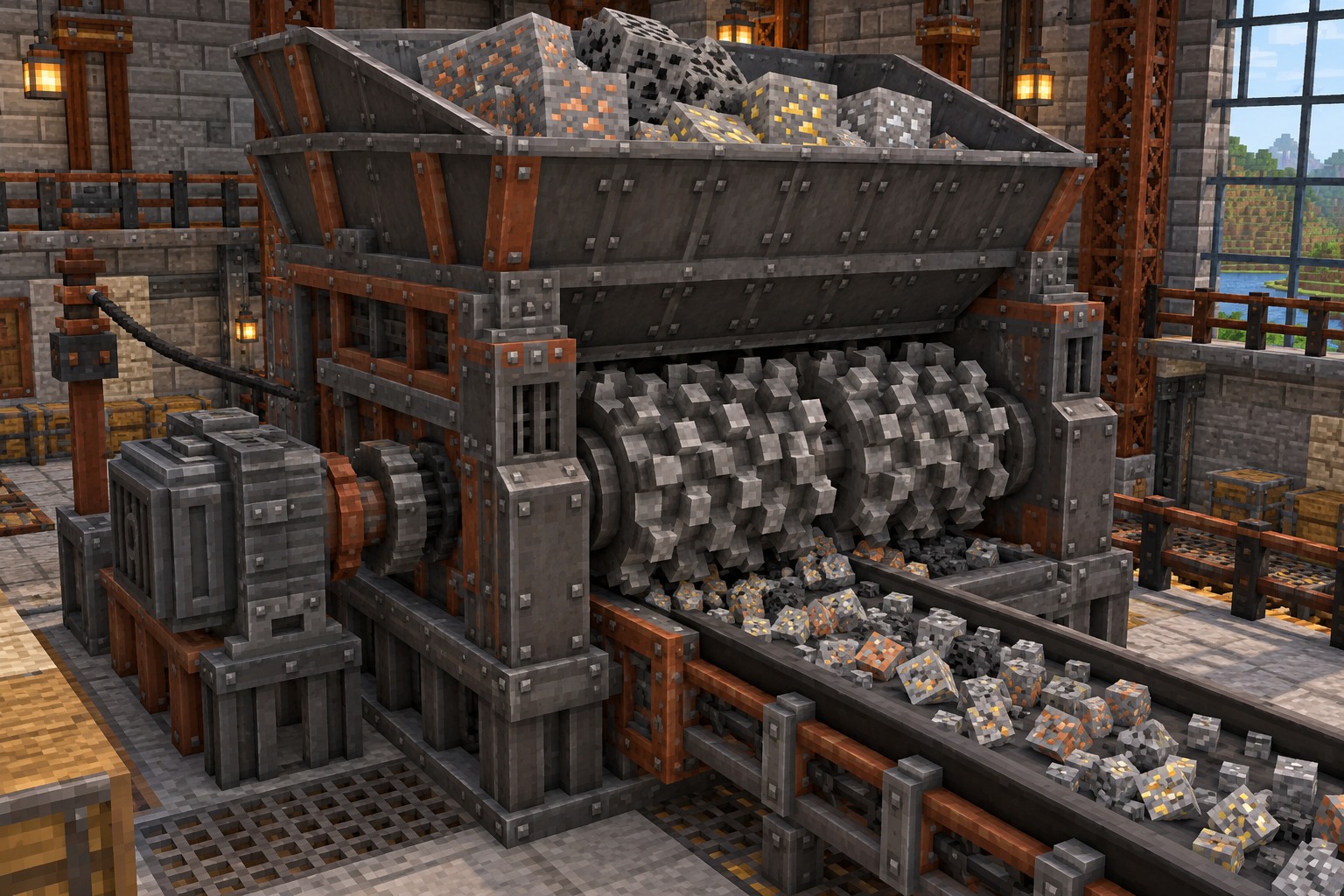
The Crusher processes ores and selected materials into smaller outputs. It is a useful early example of a large powered multiblock.
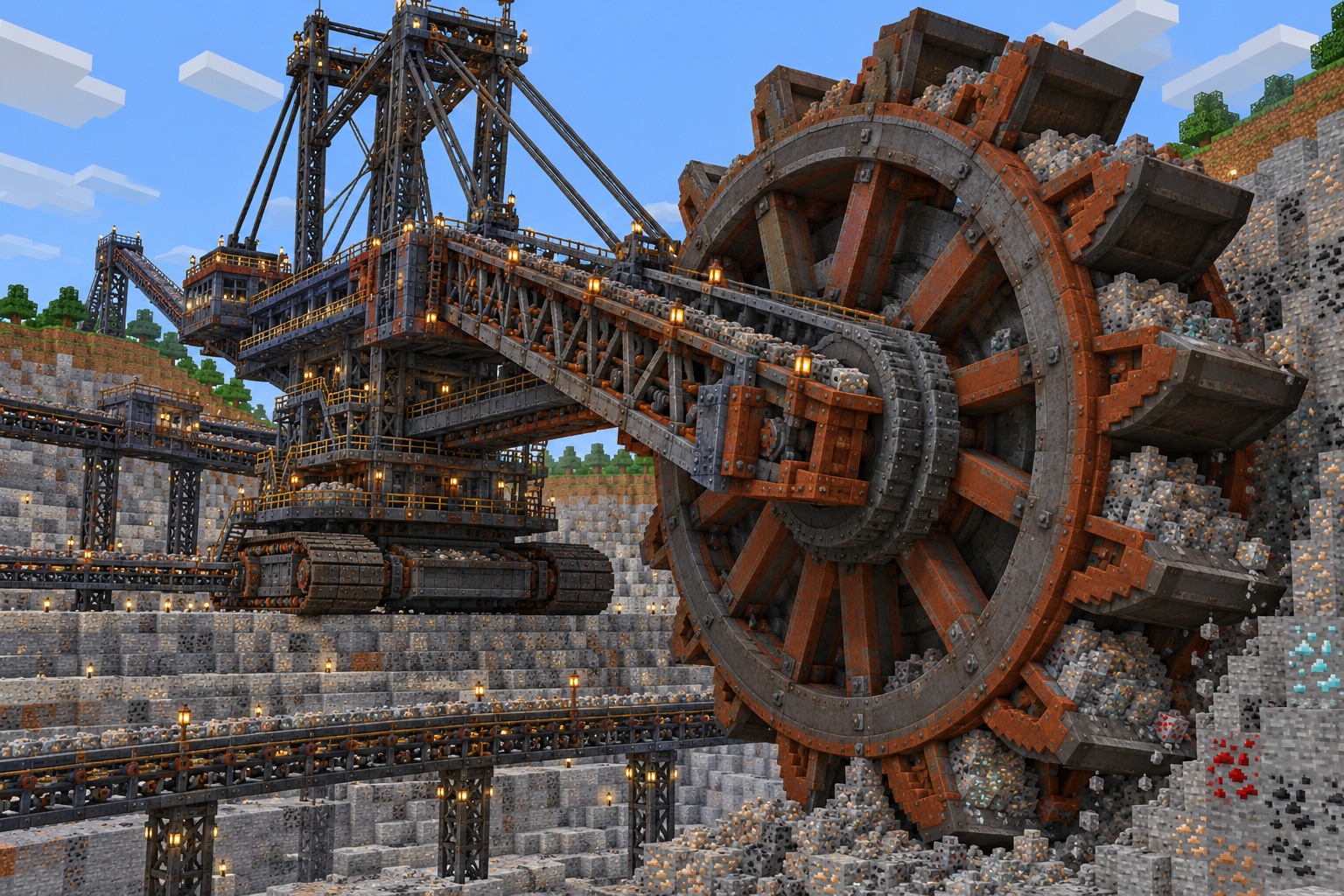
Designed for large-scale mineral extraction when supplied with the necessary power.
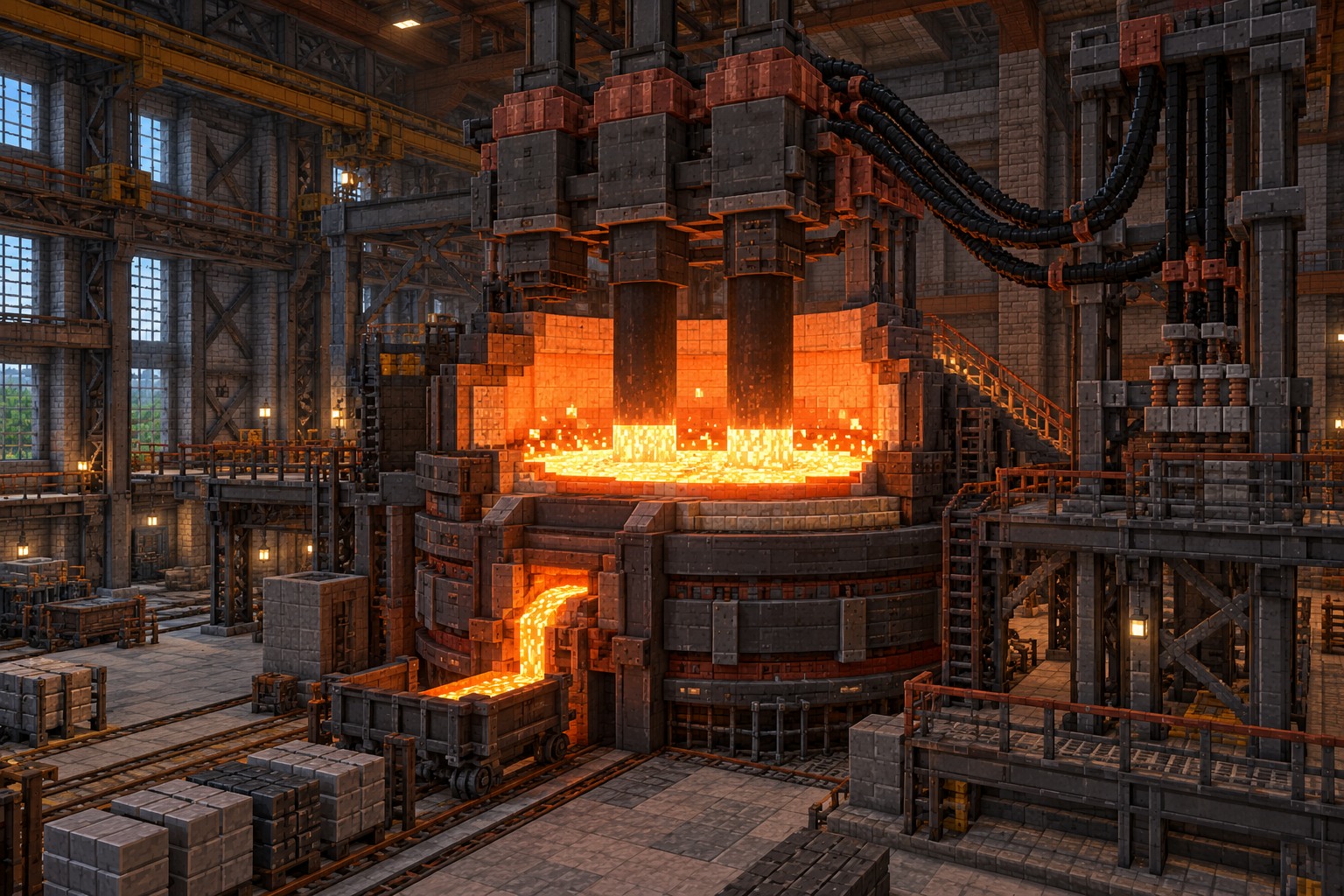
An advanced machine for processing metals with substantial energy requirements.
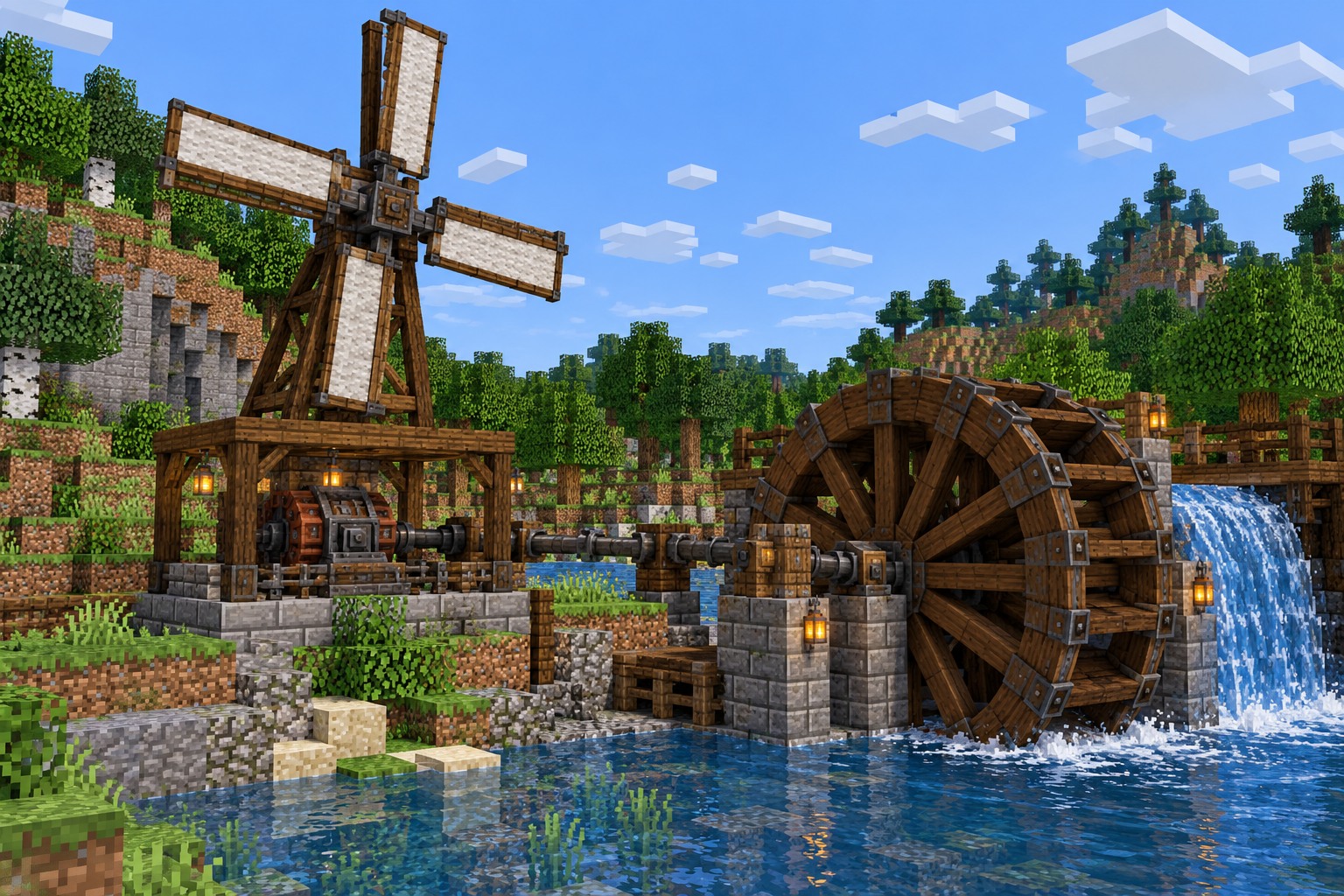
Generate early electrical power from suitable wind or flowing water setups.
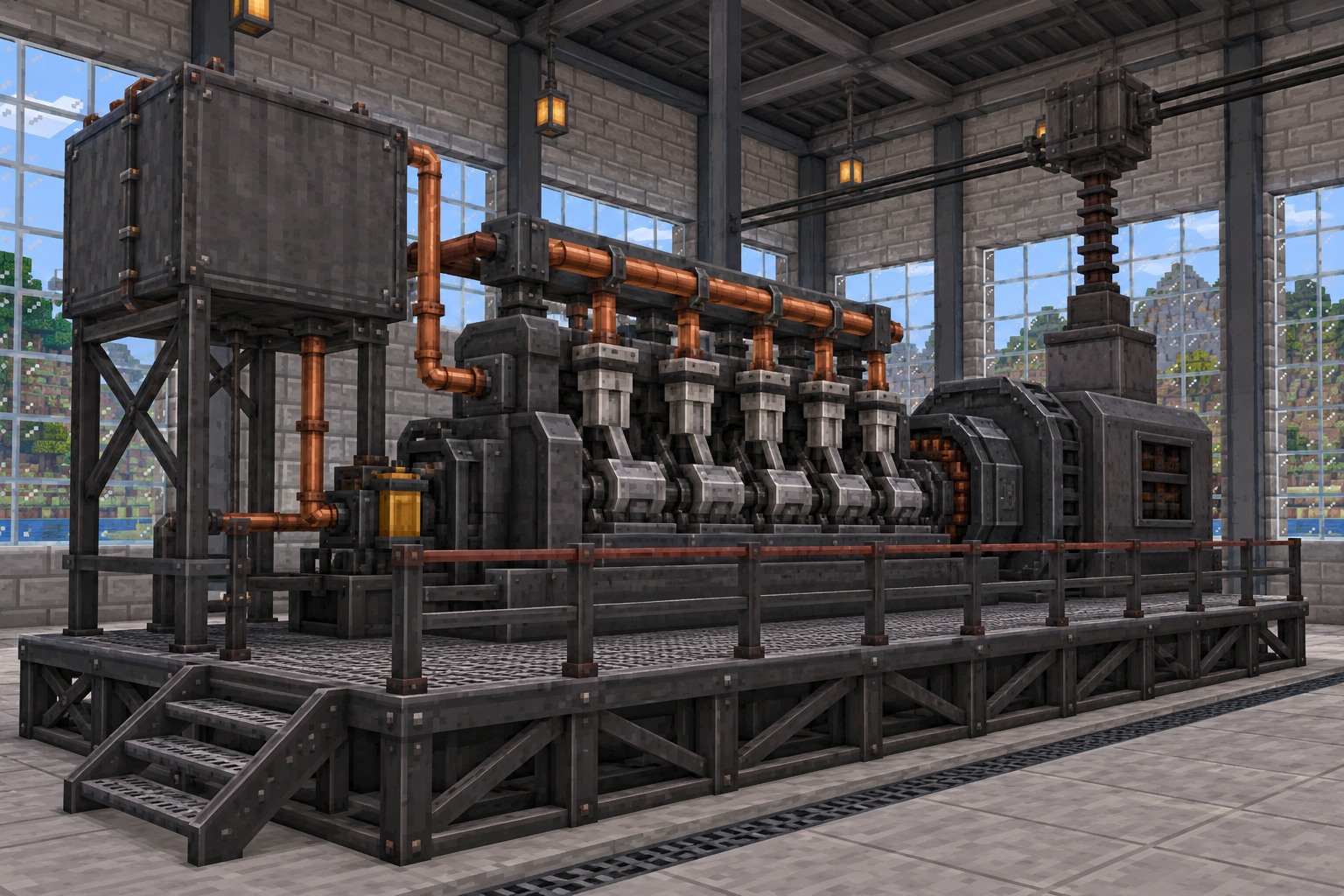
A later-stage solution for producing greater amounts of power using fuel.
Immersive Engineering Mod requires a compatible Minecraft Java Edition installation and mod loader. For Minecraft 1.21.1, use NeoForge. Match your game version, loader and mod file before installation.
Download Immersive Engineering ModView version compatibility
| Mod name | Immersive Engineering |
|---|---|
| Edition | Minecraft Java |
| Featured game version | 1.21.1 |
| Required loader | NeoForge |
| Download format | .jar |
| Creator | BluSunrize & contributors |
Match the game, loader and file before you begin. Versions do not all use the same loader.
The mod is made for Minecraft Java Edition, rather than the official Bedrock or mobile editions.
The 1.21.1 release uses NeoForge; 1.20.1 releases use Forge. Always check the file details.
Install any dependencies listed for your chosen release, and run the same Minecraft version as the mod file.
There is no official Fabric, Minecraft PE or APK edition of this mod on the project download pages.
Follow these four steps to set up the right version of the mod for Minecraft Java Edition.
Install Forge or NeoForge for the exact Minecraft version you plan to play.
Select the mod file matching that version and loader; note any required dependencies.
Copy the downloaded .jar file into your Minecraft profile's mods folder.
Open Minecraft with the selected loader profile and check that the mod loads correctly.
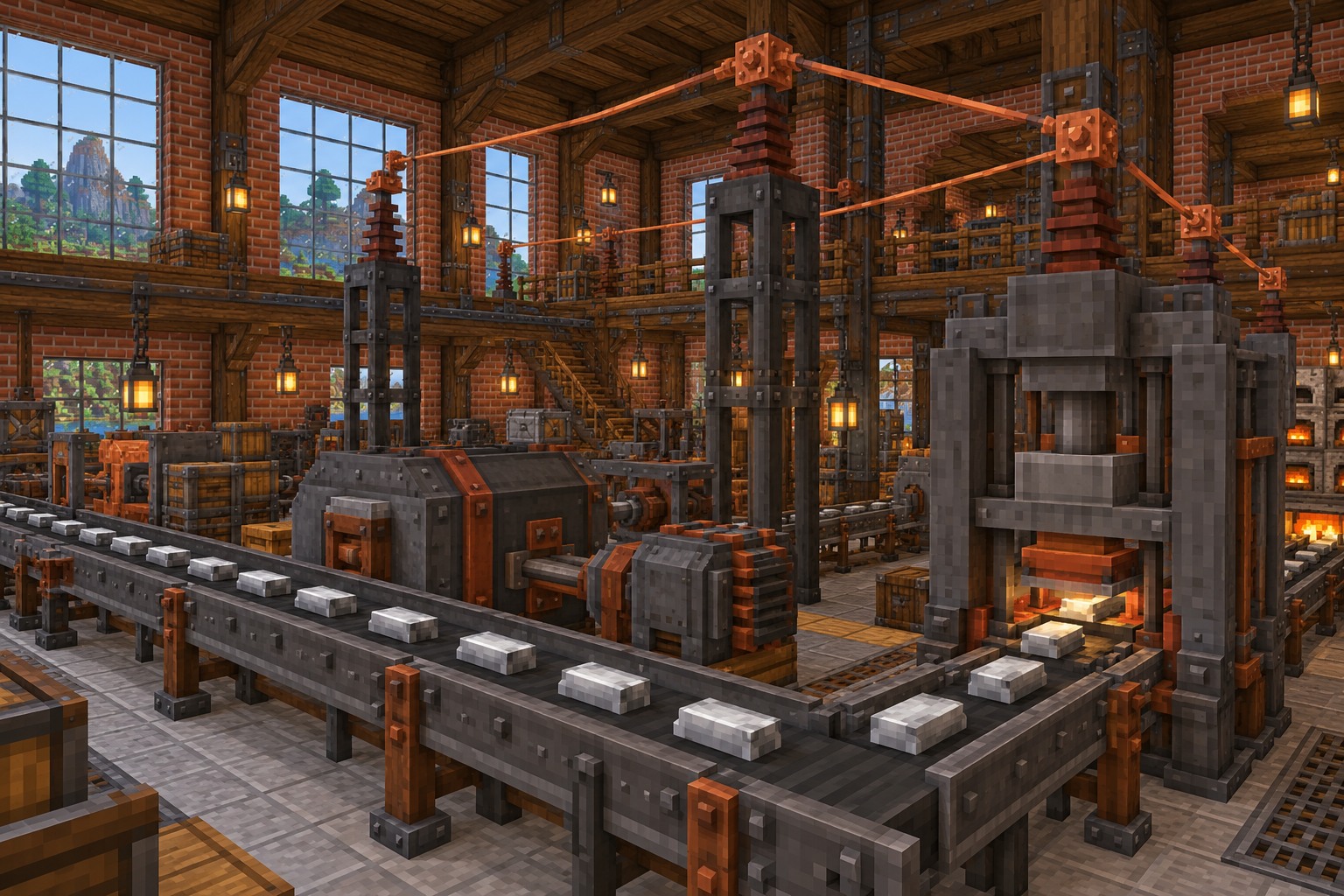
Industrial builds become easier when you start with a small workshop and add systems one at a time.
Explore factory builds, power networks and workshops through detailed illustrations inspired by Immersive Engineering Mod.
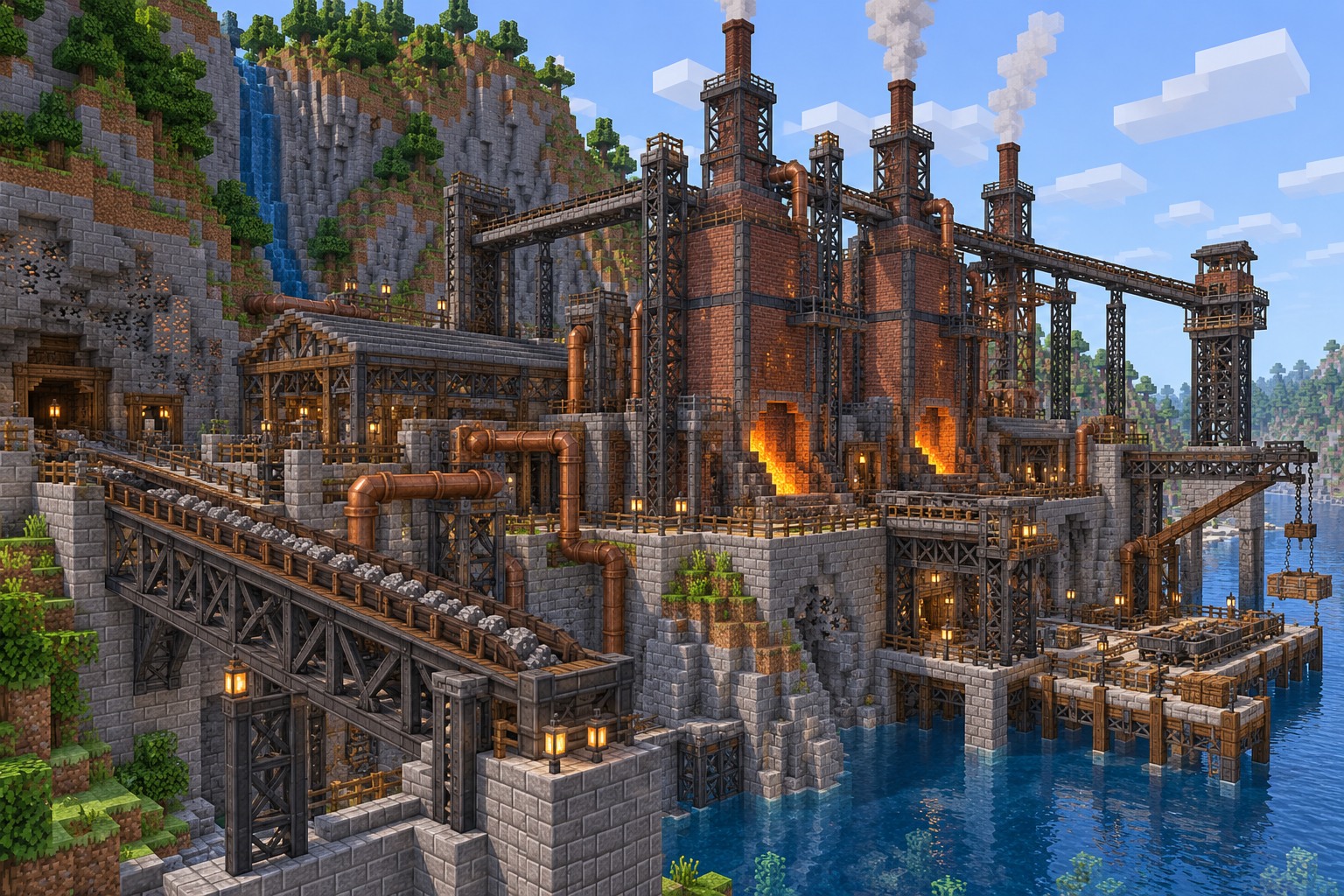
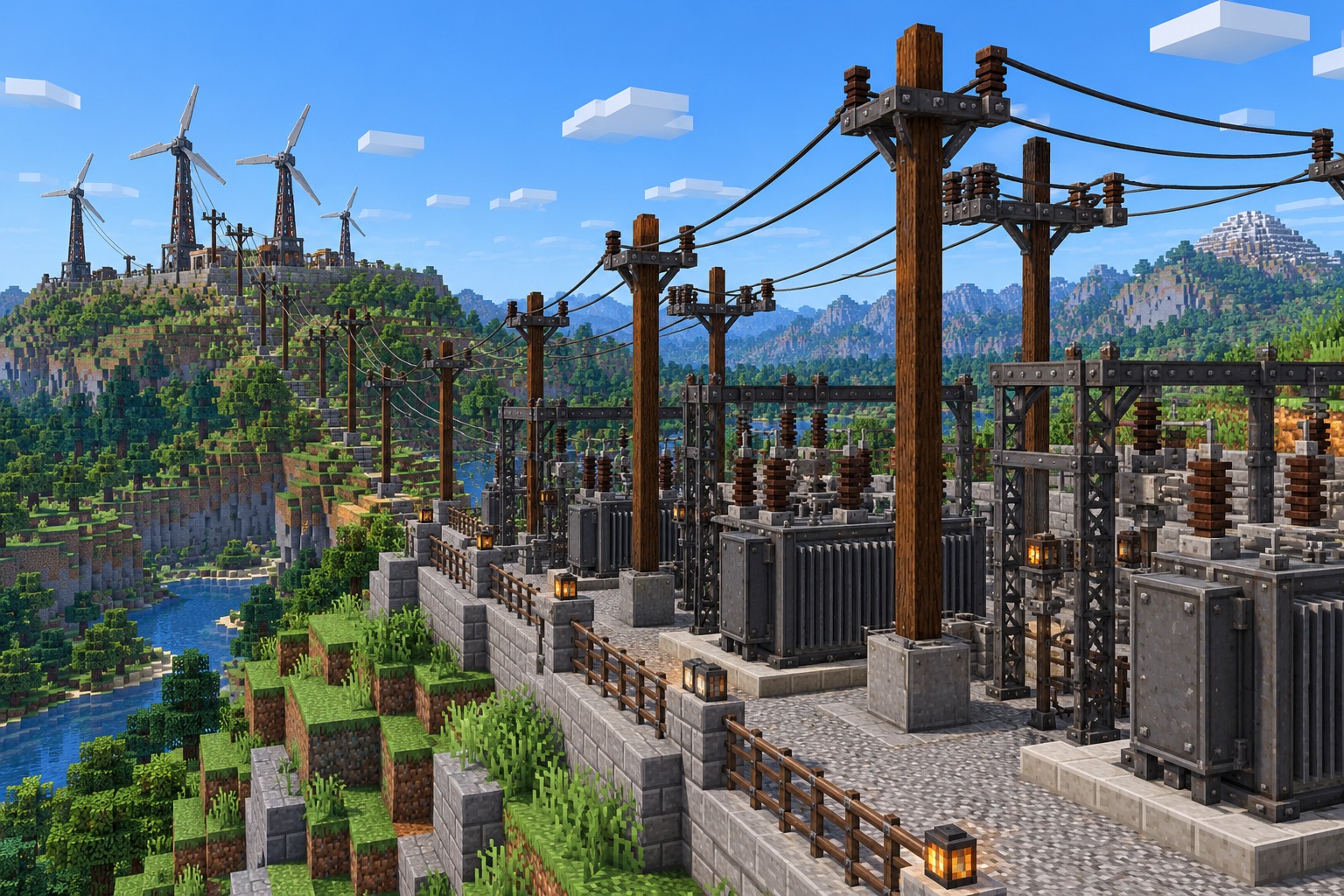
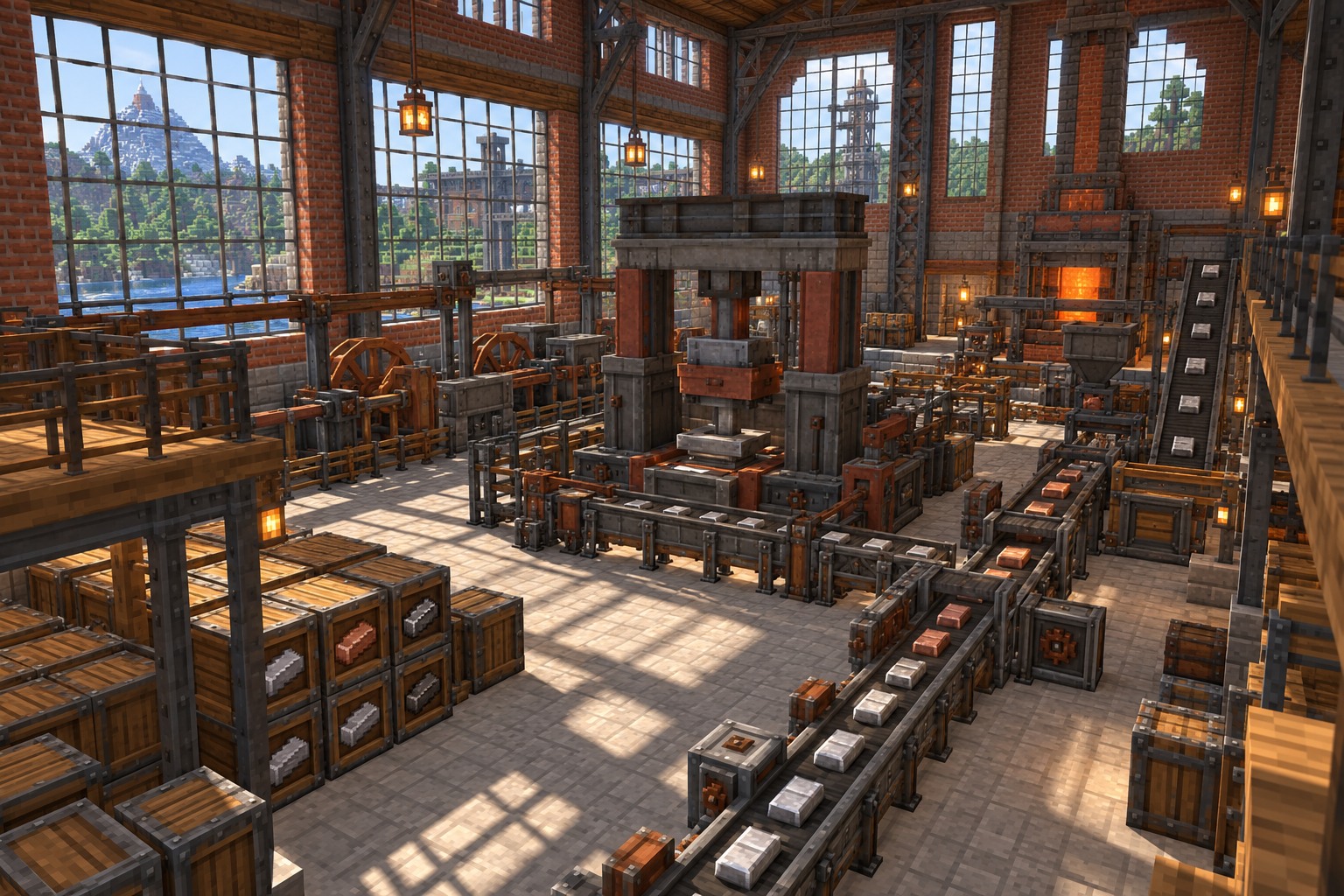
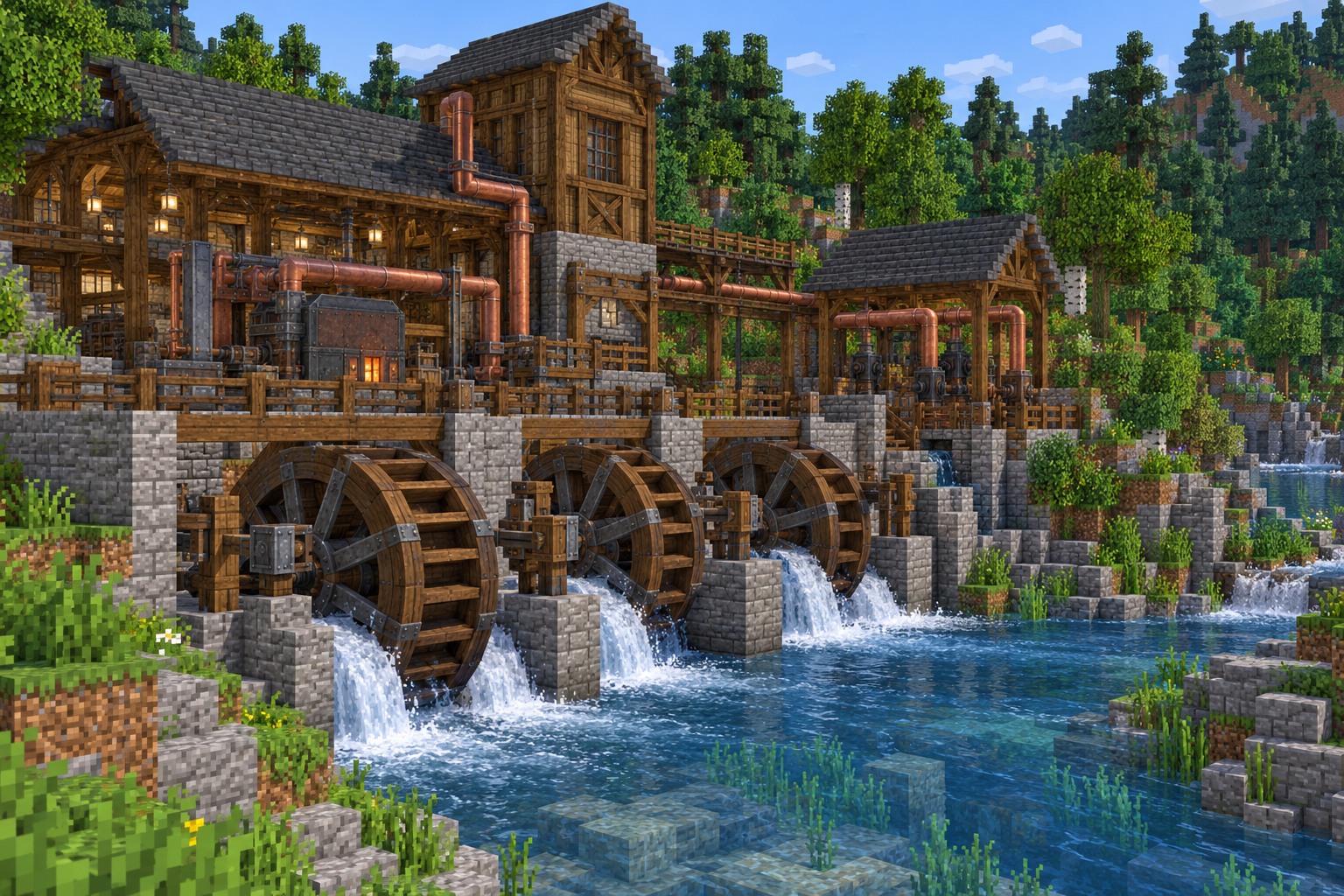
Most first-time issues begin with a mismatched game build, loader or power connection.
Check that the mod JAR matches Minecraft and its loader. Remove conflicting files and read the crash report for dependency errors.
Confirm the file is in the correct profile's mods folder and your launcher uses the intended Forge or NeoForge profile.
Inspect connectors, wire types, machine inputs and energy production. Check that each multiblock is correctly assembled.
Quick answers about installation, mod loaders, features and supported Minecraft editions.
It is a retro-futuristic Minecraft Java Edition technology mod featuring industrial multiblock machines, electrical networks and engineering equipment.
Yes. You can download the mod without paying from the published project pages. Check the author's license before redistributing any files or assets.
You generate electricity, send it through wires and connectors, and use that power to run large assembled machines for processing and automation.
Install the right Forge or NeoForge version, download the matching JAR, put it in the Minecraft profile's mods folder and start the game with that loader.
Yes. A 1.21.1 NeoForge release is available. Verify the Minecraft version on the download page before installing.
It depends on the release. The featured 1.21.1 build uses NeoForge, while the published 1.20.1 builds use Forge.
Yes, many players use it in modpacks. All installed mods must match the Minecraft version and mod loader, and you should resolve any dependency conflicts.
The project provides Forge and NeoForge downloads, not an official Fabric release. Be cautious of unrelated pages offering an APK or unofficial mobile port.