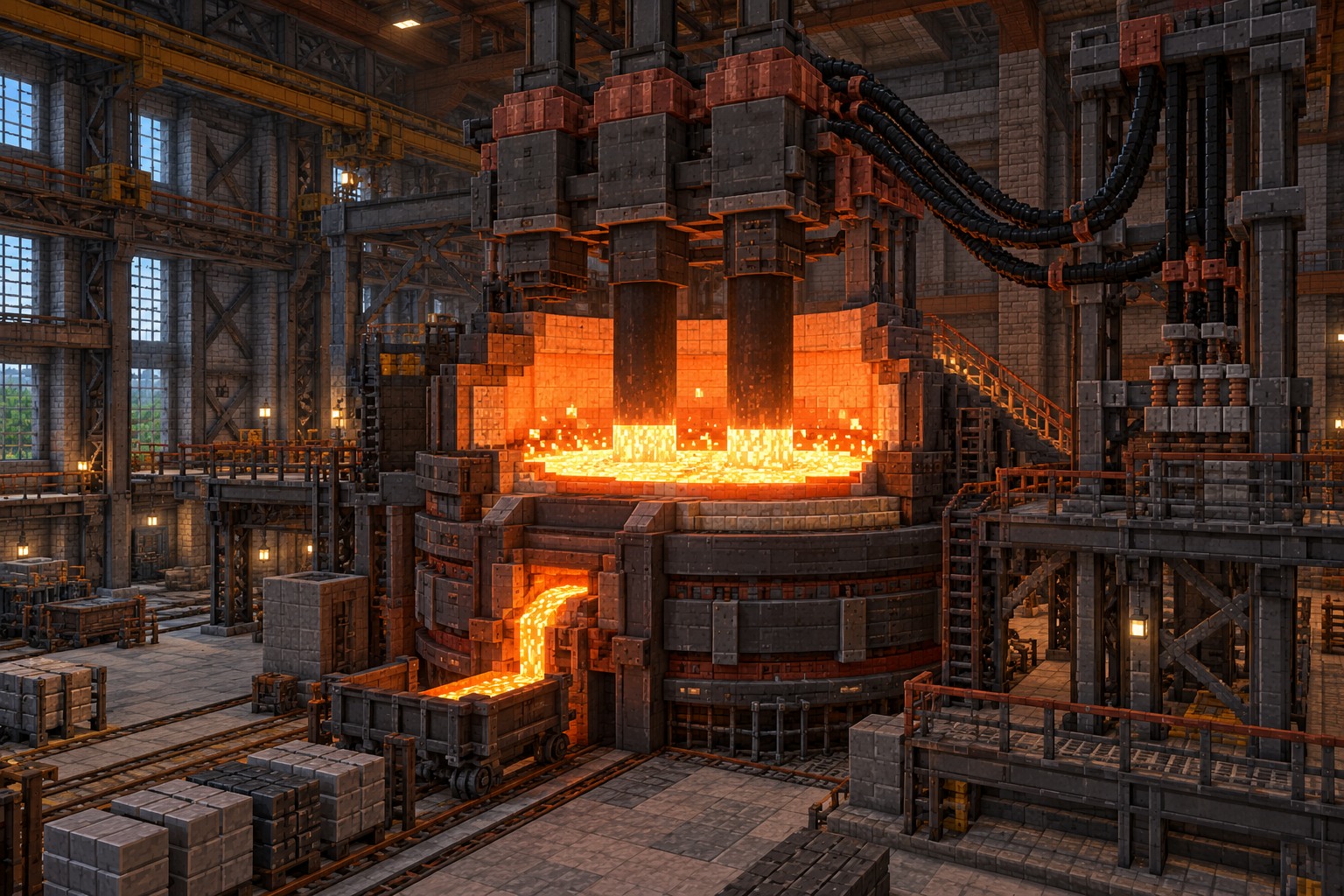
When Immersive Engineering does not load or a machine refuses to run, the problem is often easier to diagnose than it looks. Start by separating installation errors from in-game engineering errors.
Minecraft crashes before opening
Look at the launcher log or crash report. Check whether the reported version matches your Minecraft release, whether Forge or NeoForge is the correct loader, and whether a missing dependency is mentioned. Remove incorrect builds before retrying.
The mod does not appear in the list
Verify the JAR is saved in the mods folder for the profile you actually launched. Some modpack launchers keep separate instance directories. Do not unzip the JAR and do not place it in resourcepacks or shaderpacks.
A multiblock will not form
Compare every structural block with the Engineer’s Manual diagram. Orientation and the required assembly interaction matter. A nearly correct structure often looks finished without meeting the actual multiblock pattern.
A machine has no electricity
Inspect the complete line between source and receiver. Ensure the generator is producing, connectors and wires match the required system, and the machine has a valid energy connection. Also check its inputs; energy alone may not start every machine.
A modpack stops working after an update
Update compatible components as a group, not randomly. Save a copy of the world before changing mod versions, and compare the game, loader and dependency requirements of every changed file.
For release-specific details, consult the published Immersive Engineering files before installing or updating your game.